

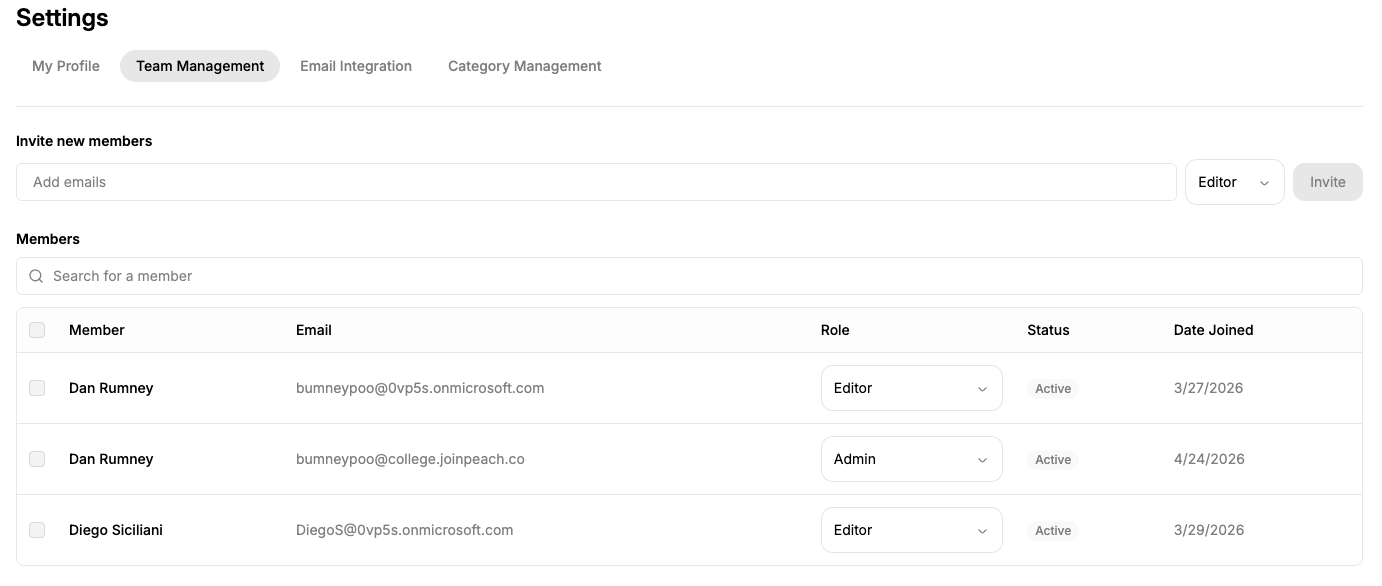
Invite team members
To invite someone to Peach:1
Enter their email address
Enter the staff member’s institutional email address under Invite new members.
2
Select a role
Choose the appropriate role for the staff member.
3
Send the invitation
Select Invite.
Your institution’s Microsoft administrator must also configure the appropriate access to the Peach Enterprise Application before a user can sign in.
Manage team members
The Members section shows the staff members who have been added to your Peach account. You can view each member’s:- Name
- Email address
- Role
- Status
- Date joined